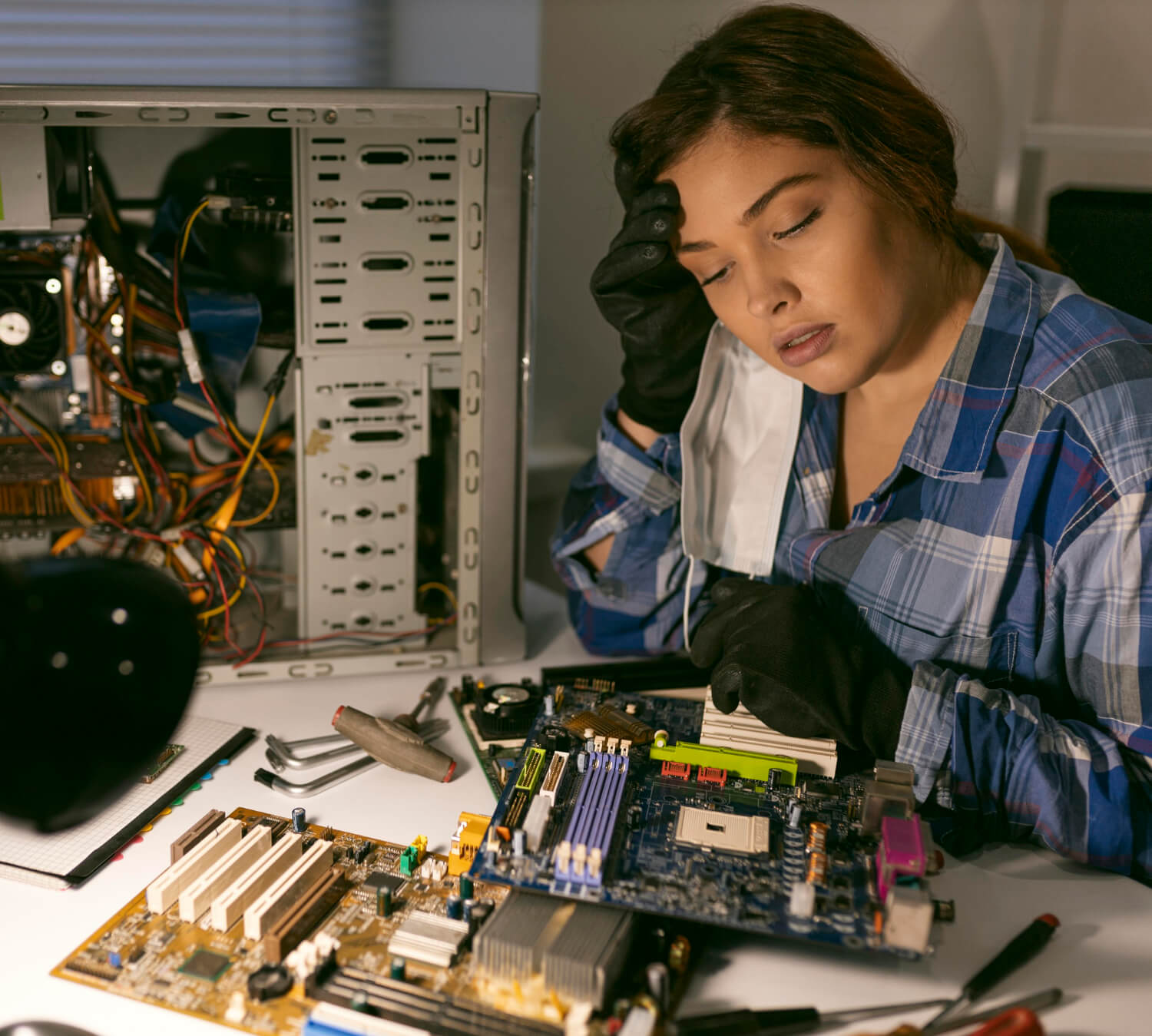
In today’s digital world, knowing how to use a computer isn’t just a nice-to-have — it’s essential. Whether you’re a student, a working professional, a small business owner, or someone returning to the workforce, basic computer skills can open doors to new opportunities and make daily tasks easier. This guide covers the essential computer skills you should learn in 2026, with practical tips and real-world advice from local trainers in Belleville, Ontario.
1. Understanding the Basics of Operating Systems
The first step in computer training is learning how to navigate an operating system.
🖥️ What Beginners Should Know:
- How to start and shut down a computer correctly
- How to navigate desktop interfaces
- How to use the Start Menu and taskbar (Windows)
- How to find and launch applications
- How to personalize settings (background, volume, display)
Windows remains the most common operating system for PCs in homes and businesses. Understanding these basics builds confidence and sets the foundation for more advanced skills.
2. File Management and Organization
A large part of computer competence is organizing and managing your files.
📁 Skills to Learn:
- Creating, renaming, and deleting folders
- Moving and copying files
- Using external storage devices
- Understanding file extensions (e.g., .docx, .pdf, .jpg)
- Backing up important files
Being organized prevents data loss and makes it easier to find documents when you need them.
3. Using Email and Online Communication Tools
Email remains one of the most widely used digital communication tools.
📧 What You’ll Learn:
- Creating and managing an email account
- Sending, replying, forwarding messages
- Adding and viewing attachments
- Spam and phishing awareness
- Using calendars and contact lists
In 2026, understanding email etiquette and basic security practices is critical for both personal and professional communication.
4. Internet Browsing & Online Safety
The internet offers powerful tools for research, communication, shopping, and entertainment — but it also presents risks.
🌐 Essential Web Skills:
- Using web browsers (Chrome, Edge, Firefox)
- Searching effectively with search engines
- Bookmarking useful sites
- Understanding safe vs. unsafe sites
- Protecting personal information online
Learning safe browsing practices prevents scams and keeps your data secure.
5. Productivity Software: Word Processors and Spreadsheets
Microsoft Office continues to be a global standard in productivity software.
📝 Key Tools to Master:
- Word Processors (e.g., Microsoft Word)
- Typing and formatting text
- Working with headers/footers
- Creating lists and tables
- Saving and printing documents
- Spreadsheets (e.g., Microsoft Excel)
- Entering and organizing data
- Basic formulas (SUM, AVERAGE)
- Formatting cells
- Creating simple charts
These skills are widely demanded in jobs, school projects, and business tasks.
6. Understanding Cloud Storage
In 2026, cloud storage (like Google Drive and OneDrive) is essential.
☁️ Why It Matters:
- Store files online
- Access documents from any device
- Share files with others
- Collaborate in real-time
A basic understanding of cloud tools helps you work more efficiently and keeps files safe even if your computer fails.
7. Video Conferencing and Online Collaboration
Remote meetings and online teamwork tools became mainstream in recent years — and they’re here to stay.
🗣 Tools to Learn:
- Zoom
- Microsoft Teams
- Google Meet
Skills include:
- Joining meetings
- Muting/unmuting audio
- Screen sharing
- Using chat features
Employers often expect these skills in both remote and hybrid work setups.
8. Digital Security and Privacy Basics
Understanding how to protect your digital information is one of the most important skills you can develop.
🔐 Basic Security Practices:
- Creating strong passwords
- Using two-factor authentication
- Recognizing phishing attempts
- Installing antivirus software
- Updating software regularly
Security skills protect you from identity theft, malware, and online scams.
9. Practical Typing Skills
Typing faster and more accurately improves efficiency and reduces frustration.
⌨️ What to Practice:
- Proper hand positioning
- Regular typing exercises
- Using typing tutor tools
Even a small improvement in typing speed can save time over the long term.
10. Knowing When to Seek Help
Learning computer skills is a journey — and it’s okay to ask for help.
🤝 How Local Training Can Help:
- One-on-one coaching
- Personalized pace of learning
- Real-time answers to your questions
- Practice on real tasks
At Computer Training And Repair, local trainers tailor sessions for beginners so learners feel confident using technology in everyday life.
How Training Helps in Real Life
Here are real-life benefits people notice after proper computer training:
- Faster completion of school assignments
- Confidence using email and online tools
- Better job prospects
- Ability to work from home
- Safe online banking and shopping
In Belleville and surrounding communities, these skills help individuals stay connected, productive, and secure in a digital world.
Start Your Computer Training Today
If you’re ready to improve your computer skills in 2026 and beyond, personalized training can make learning easier and more effective.
📍 Computer Training And Repair
40 Gordon St, Belleville, ON K8P 3E5, Canada
📞 +1 613-969-4656
📧 [email protected]
Our expert trainers help beginners build essential skills step-by-step — no experience required.