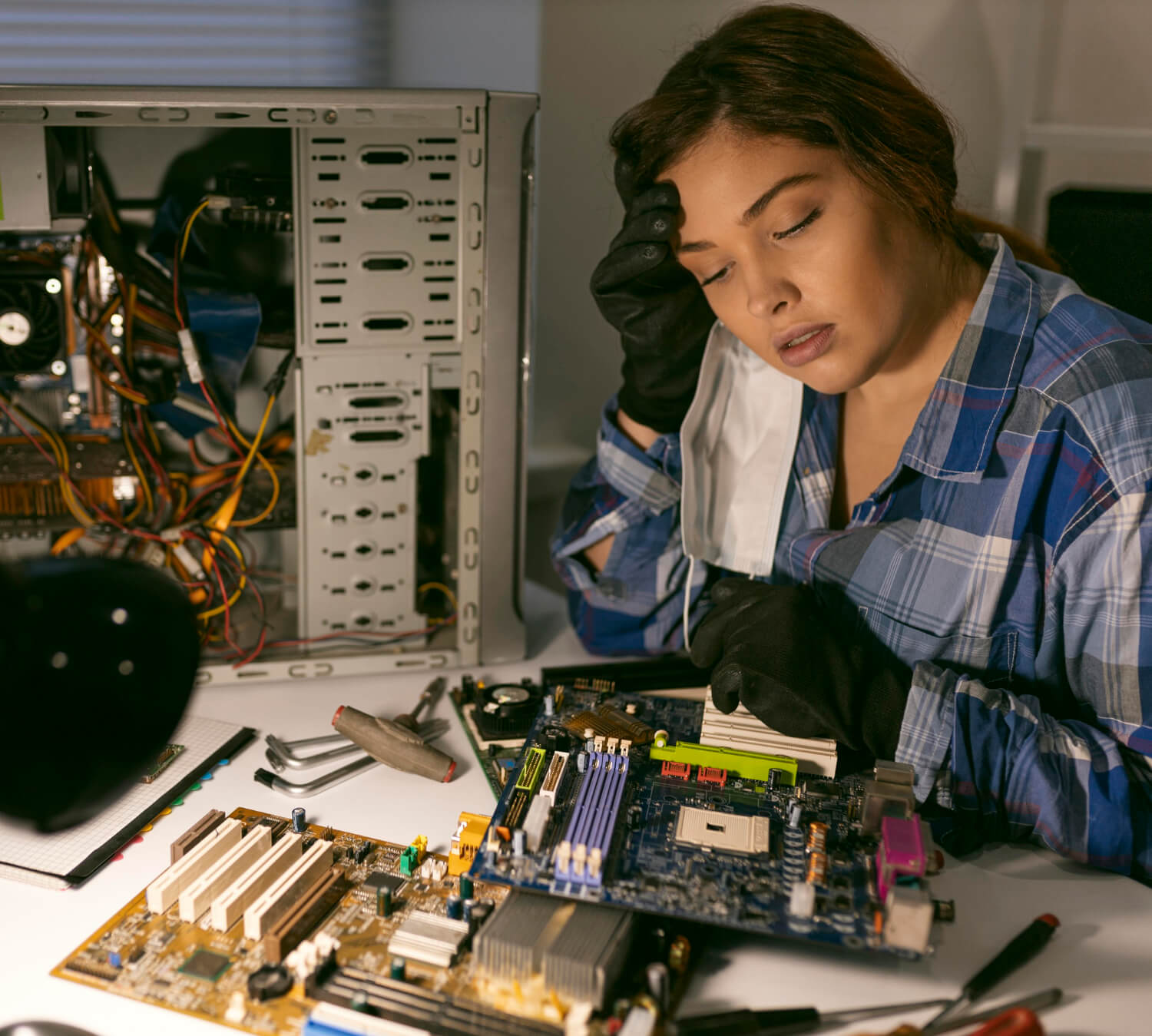
Your computer is an essential tool for work, school, and daily life — especially here in Belleville, Ontario. But how do you know when it’s time to stop “hoping it gets better” and get professional help? Ignoring warning signs can lead to data loss, higher repair costs, or even permanent damage. Below are 10 real and practical signs that indicate your device needs professional attention from trained technicians.
1. Your Computer Is Extremely Slow
Most computers will slow down over time as software updates take place and files accumulate. But if your PC or laptop takes minutes to open simple programs, freezes constantly, or becomes unusable during basic tasks (like browsing or streaming), this is more than normal aging — it could be a sign of:
- Hard drive issues
- Background malware
- Insufficient RAM
- Fragmented system files
A technician can diagnose the root cause and optimize or upgrade your system properly.
2. Frequent Crashes or Blue Screens
Seeing a Blue Screen of Death (BSOD) or random restarts is not normal. These crashes usually indicate:
- Faulty hardware (e.g., RAM or motherboard)
- Corrupted system files
- Driver conflicts
- Overheating
Local repair experts in Belleville have tools to analyze crash logs and fix the underlying problem safely without putting your data at risk.
3. Loud Noises from Fans or Hard Drives
If your computer suddenly sounds like a vacuum cleaner or you hear clicking sounds from inside your laptop or desktop, this is serious. Causes may include:
- Dust buildup restricting airflow
- Failing cooling fans
- Failing mechanical hard drives
A professional can clean internal components, replace faulty fans, or migrate data from a dying drive before it fails completely.
4. Your Battery Doesn’t Hold a Charge
For laptop users, diminishing battery life is common — but if your device dies within minutes of unplugging, swelling battery cells or power circuit issues could be a danger. Battery problems can also cause:
- Sudden shutdowns
- Overheating
- Damage to internal components
Techs can replace the battery safely and test power management functions.
5. Unusual Pop-Ups or Errors
If your screen is repeatedly showing pop-ups, error messages, or warnings about viruses or missing files, it could be malware, adware, or corrupted applications. Some signs include:
- Fake antivirus alerts
- Redirected web browsers
- Unexpected toolbars
Professionals can clean infections and secure your system without risking further damage.
6. Peripheral Devices Fail to Work
When your printer, webcam, external drive, or other devices stop connecting reliably (even after updates), the problem could be:
- Faulty drivers
- USB interface issues
- Motherboard port failure
Technicians diagnose hardware vs. software causes and fix it efficiently.
7. Overheating and Shutdowns
If your computer gets hot and shuts down unexpectedly, your system may be overheating due to:
- Blocked vents
- Failed fans
- Dried thermal paste
Professional repair can safely clean cooling systems and apply thermal solutions that protect internal chips.
8. You Can’t Access Important Files
Whether you accidentally deleted files, can’t open documents, or the system won’t boot to your files at all, data access issues are stressful. Signs include:
- “File not found” errors
- Inaccessible folders
- Corrupted document warnings
Repair specialists can attempt data recovery before performing repairs that might make files unrecoverable.
9. Your Operating System Won’t Update
Regular updates are important for security and performance. If Windows (or another OS) repeatedly fails to install updates, this can point to:
- Corrupted system files
- Incompatible drivers
- Disk errors
Ignoring failed updates can leave your system vulnerable to security threats — so getting professional help is wise.
10. You’re Not Sure What’s Wrong
Sometimes your device “just doesn’t feel right.” Strange lag spikes, freezing during video calls, inconsistent performance — if something feels off and it’s affecting your productivity or peace of mind, a professional diagnosis can save time and money in the long run.
Why Choose Professional Repair in Belleville, ON?
Here are key reasons to trust trained computer technicians rather than attempting DIY fixes:
🔹 Accurate problem diagnosis — not just guessing
🔹 Safe handling of hardware and data
🔹 Genuine parts and compatible upgrades
🔹 Faster turnaround than trial-and-error fixes
🔹 Local support and follow-up service
Local businesses know the needs of Belleville residents, students, and small businesses — from virus cleanup to hardware upgrades.
When to Book a Repair
If you recognize any of the signs above, don’t wait for a worse failure. Early professional intervention often:
Prevents data loss
Reduces repair costs
Extends the life of your device
Whether you’re in Belleville, Tyendinaga, or Napanee, expert help is just a call away.
Need Help Diagnosing Your Computer?
Contact Computer Training And Repair at:
+1 613-969-4656
[email protected]
40 Gordon St, Belleville, ON K8P 3E5, Canada
Our certified technicians can evaluate your device, provide transparent pricing, and get you back to smooth performance. 💻